Guide · 1 November 2026
FM27 advanced player stats: xG, xA and percentiles by position
FM27 advanced player stats are in the “Statistics” tab of every player profile in MacLibero RT: xG, xA, key passes, pressures and more per 90 minutes, each with a percentile against players in the same position in his league, and a season rating from A to F. It is free, on Mac.
Football Manager 27 records detailed counters for every player: expected goals, expected assists, progressive passes, pressures, distance covered. What it does not tell you is whether 0.45 xG per 90 is good for a striker in your league. MacLibero RT, the native Mac app that reads your single-player FM 27 save, does that comparison for you.
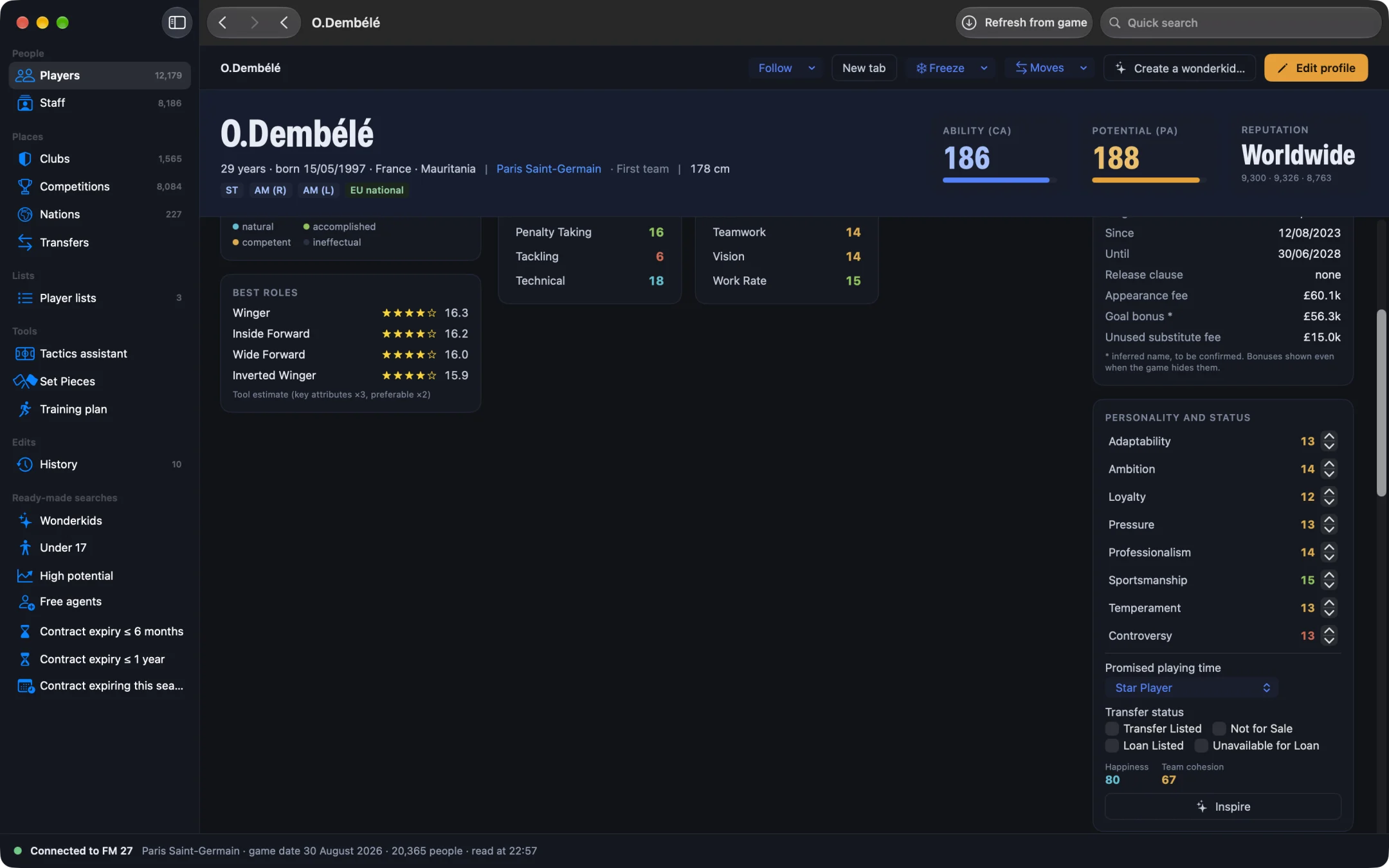
How do you see advanced stats in FM27?
- Open MacLibero RT, click “Launch FM 27”, load your save, then click “Refresh from game” (⌘R).
- Find a player in the player search and open his profile.
- Click the “Statistics” tab (the profile also has “Profile”, “Contract”, “Development” and “International” tabs).
- Read the “Advanced Stats” card at the top: the letter, the “Season rating” out of 100, then one line per stat.
Each line gives the value per 90 minutes (or a percentage), a coloured bar and a number from 0 to 100: his percentile. A centre-back at 90 in “Headers Won /90” wins more headers than 90% of the centre-backs in his league.
Which stats are shown for each position?
The player is put in a profile from his best position rating, and each profile has its own set of stats:
| Profile | Main stats |
|---|---|
| Goalkeepers | xG Prevented, xG Conceded, Errors Leading to Goal, Pass Completion, Progressive Passes |
| Centre-backs | Headers Won, aerial duels won, Interceptions, Progressive Passes, Pass Completion |
| Full-backs | Crosses completed, Key Passes, Pressures Completed, tackles won, dribbles |
| Defensive midfielders | Possession won, Interceptions, tackles, Pressures Attempted and Completed |
| Central midfielders | Progressive Passes, Key Passes, xA, clear-cut chances created, distance |
| Wingers and playmakers | xA, key passes in open play, dribbles, xG, Shots on Target |
| Strikers | Non-Penalty xG, xG per Shot, Shots on Target (%), xA, Headers Won |
Under the lines, four season totals sum up the player: xG, xA, Key Passes and km covered.
What are the percentiles compared against?
Against a fair group: first-team players of the clubs in the player's league, with the same profile, who have played at least 30% of the possible league minutes so far. The stats are league stats per 90 minutes, so a substitute is not compared on raw totals with a starter. For stats where less is better (errors, possession lost, xG conceded), the percentile is flipped: 90 is still good.
The card says how many players he is compared with, for example “Compared with 20 league players · Strikers”.
How is the A–F season rating calculated?
FM 27 has no season grade of its own: MacLibero RT computes it from the game's counters. The score out of 100 is made of:
- 50%: the average of his percentiles on the stats of his profile;
- 30%: the percentile of his average match rating;
- 20%: goals and assists per 90 (clean sheets per 90 for goalkeepers, centre-backs and full-backs).
Letters: A from 85, B from 70, C from 50, D from 35, E from 20, F below. In our test save, Ousmane Dembélé got an A (91/100) against the 20 Ligue 1 strikers with enough minutes, and goalkeepers get their own rating built on xG prevented.
Why is there no rating for some players?
The card shows “Not enough league minutes to compare, or league has no table.” when the player is under the 30% threshold, when fewer than five players share his profile in the league, or when his league has no table in the save. Early in the season, wait a few matchdays.
Advanced stats or season stats?
This card judges how a player performs compared with his peers. For appearances, goals, assists, average rating and up-to-date league tables, read our guide to FM27 player stats for the season and league tables. For past clubs and transfers, see FM27 player career history.
Stats come from your save at the last refresh: press ⌘R after a match to update them. In our test, the export read detailed counters for 7,623 players.
What you need
Advanced stats are part of the free scouting: no licence, no account. MacLibero RT runs on Macs with Apple Silicon or Intel, macOS 15 or later, with single-player saves of FM 27 (Steam or Epic Games). A licence (€6.99 once) is only needed to edit the game: see pricing and the FM27 Mac editor comparison.
Questions
Where can I see a player's xG in FM27?
With MacLibero RT on a Mac: open the player's profile, go to the “Statistics” tab and read the “Advanced Stats” card. It shows xG, xA and the rest per 90 minutes, plus season totals.
What are the percentiles compared against?
Against first-team players with the same main position in the player's league, who have played at least 30% of the possible league minutes. The bar and the number show where he ranks out of 100.
How is the A–F season rating worked out?
It is a score out of 100: 50% the average of his percentiles, 30% his average rating, 20% goals and assists per 90 (clean sheets for keepers and defenders). A is 85 and above, F is below 20.
Why does a player have no rating?
He has not played enough league minutes yet, fewer than five players share his position in the league, or his league has no table. The card then says so.
Are advanced stats free?
Yes. They are part of MacLibero RT's free scouting: no licence and no account needed.