Guide · 31 October 2026
FM27 player stats for the current season, and live league tables
To see FM27 player stats for the current season, open a player's profile in MacLibero RT: the “Current season” card gives his apps, goals, assists and average rating, split into league, cups, continental and friendlies. A league's page shows its live “Table” and its top scorers. It is all free and read-only.
In Football Manager 27, following a player's season or a league means hopping between several game screens. MacLibero RT, the native Mac app that reads your single-player FM 27 save, gathers every player's stats and every league's table in one place, without changing anything in your save.
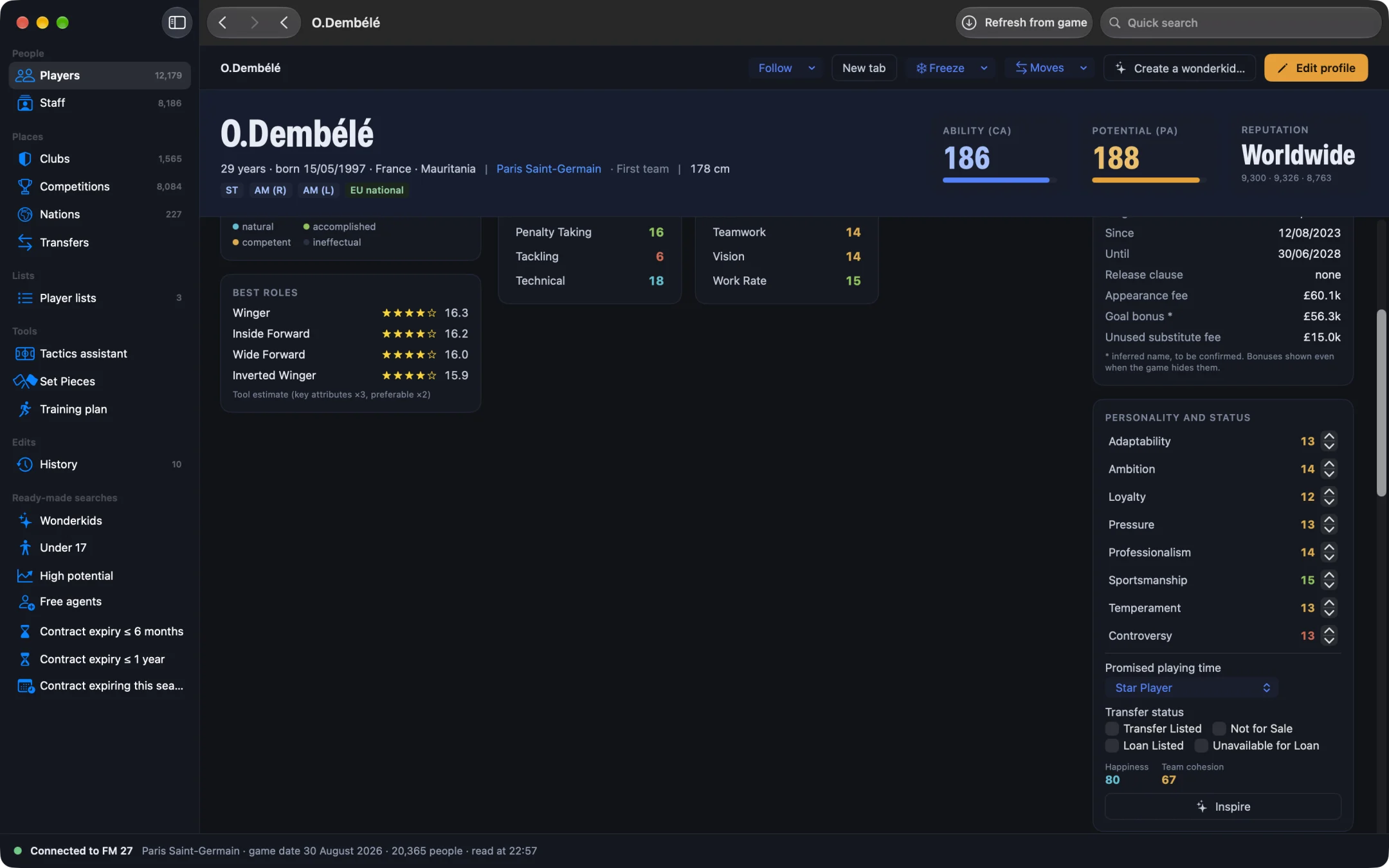
How do you see a player's season stats in FM27?
- Open MacLibero RT, click “Launch FM 27”, load your save, then click “Refresh from game” (⌘R).
- Open the player's profile, from search, a club or a list.
- Scroll down to the “Current season” card.
- After each matchday played in FM 27, click “Refresh from game” (⌘R) again: the numbers follow.
Nothing is written to the game: MacLibero RT only reads the statistics FM 27 keeps up to date in your save.
What does the “Current season” card show?
- At the top, four numbers for the whole season: “Apps”, “Goals”, “Assists” and “Av Rat” (average rating, to two decimals).
- One row per category: “League”, “Cups”, “Continental” and “Friendlies”, with apps, goals, assists, minutes and rating. A category only appears if the player has played in it.
- Extras, when there are any: Player of the Match awards, clean sheets for a goalkeeper, cards.
- “Last ratings”: his ratings in recent matches, colour-coded from weakest to best.
Apps count both starts and substitute appearances. The average rating only uses matches where the game rated the player: FM 27 does not rate a very late substitute appearance, so it does not drag the average down.
On our test save on 23/08, Ousmane Dembélé showed 3 goals and a 9.50 average rating: the same numbers as in the game.
Are stats broken down by competition?
No, by category. FM 27 groups statistics into broad families (league, domestic cups, continental cups, friendlies), and MacLibero RT shows them as they are. As a result, a player who has turned out for the reserves adds the reserve league to his “League” row.
How do you see a league table in FM27?
- In the sidebar, click “Competitions” (filter “All”, “Men” or “Women”).
- Open the league you want.
- The “Table” card appears below the competition's reputation.
Each row gives the position, team, played (Pld), won (W), drawn (D), lost (L), goal difference (GD), points (Pts) and the last five results as dots: green for a win, grey for a draw, red for a defeat. An arrow shows the change since the previous matchday. Relegation places are red, play-off places orange, and your club is in bold. Click a club to open its profile.
Checked on our test save: the Ligue 1 table on 23/08 is identical to the game screen.
Who are the league's top scorers?
Below the table, three cards list the top 5 first-team players of the league's clubs, in league matches:
- “Top scorers”;
- “Top assists”;
- “Best ratings”, limited to players rated in at least half of the matchdays played, so one big game is not enough.
Each name opens the player's profile, where the “Current season” card breaks down his season.
Is it free?
Yes. Season stats and league tables are part of MacLibero RT's free scouting, like player careers and transfers. Only writing to the game needs a licence: €6.99 once for FM27, on up to 3 Macs (see pricing and the FM27 Mac editor comparison).
What can't it do yet?
The app shows the current season. There is no end-of-season review yet, and seasons already played in your save are not read yet: the “Career (league)” card on the player profile shows the history from the game's database. The top of the table (European places) is not colour-coded yet.
Single-player saves only. MacLibero RT reads your save while FM 27 is running: start the game from the app with “Launch FM 27”.
What if a player's form drops?
A run of low ratings often comes from poor morale or an unhappy player. With a licence, you can sort out his happiness and status: see how to fix an unhappy player in FM27. And if he is coming back from injury, read heal an injured player in FM27.
Questions
How do I see a player's season stats in FM27?
With MacLibero RT on a Mac: open the player's profile and the “Current season” card shows his apps, goals, assists, minutes and average rating, split into league, cups, continental and friendlies.
Do I need a licence to see stats and league tables?
No. Season stats and league tables are part of the free scouting: only writing to the game needs a licence.
Are the numbers the same as in FM 27?
Yes, they are read from your save. Checked on our test save on 23/08: the Ligue 1 table matched the game screen, and Ousmane Dembélé showed 3 goals and a 9.50 average rating. After a matchday, click “Refresh from game” (⌘R).
Where do I find a league table in FM27?
In the “Competitions” section, open the league: the “Table” card shows position, played, won, drawn, lost, goal difference, points and form, followed by the top scorers, assists and ratings.
Does MacLibero RT do an end-of-season review?
Not yet. The app shows the current season; an end-of-season review and the seasons already played in your save are not available yet.