Guide · 31 October 2026
FM27: change a player contract (wage, expiry, clauses, bonuses)
To change a player contract in FM27, open his profile in MacLibero RT, click “Edit profile” (⌘E) and edit the “Contract · editable” card: monthly wage, expiry date, clauses and competition bonuses. Then click “Apply to game”. It works for staff too, and for a whole squad at once.
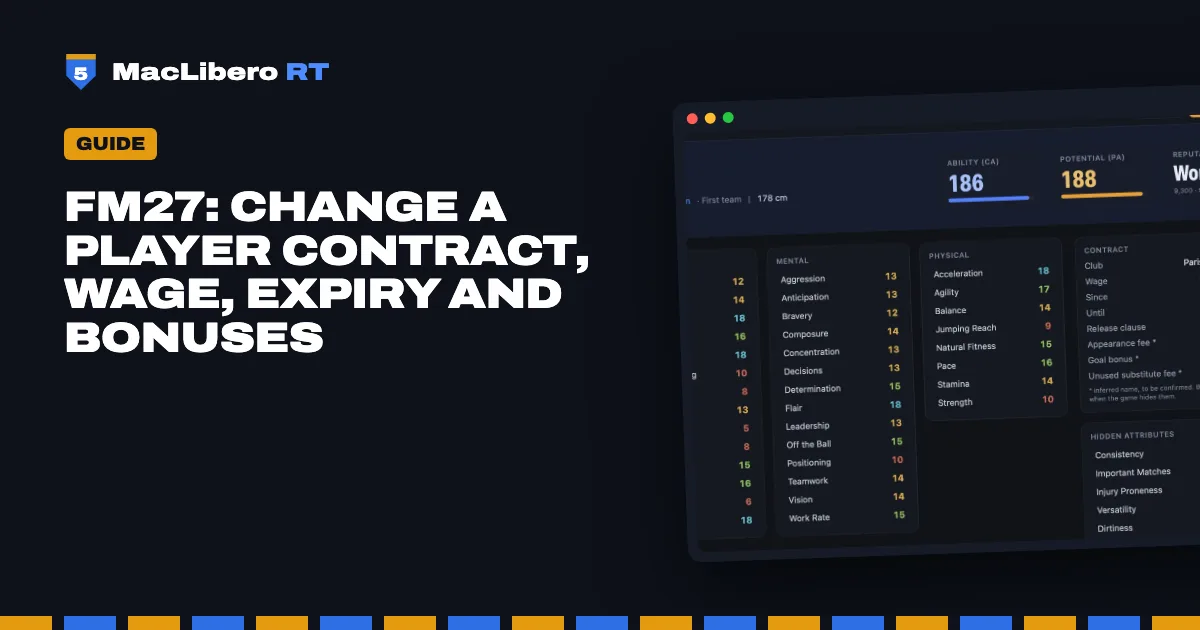
Renegotiating in Football Manager 27 takes weeks and sometimes ends in a no. In your single-player save, MacLibero RT, the native Mac app, writes the new terms directly and keeps the old value so you can go back.
How do you edit a player's contract in FM27?
- In MacLibero RT, click “Launch FM 27”, load your save, then click “Refresh from game” (⌘R).
- Open the player's profile and click “Edit profile” (⌘E).
- The “Contract” card becomes “Contract · editable”. Change the wage, the expiry, a clause or a bonus.
- Each changed field is highlighted and joins the list of pending changes.
- Click “Apply to game”. The button shows how many values will be written.
Nothing is written until you click “Apply to game”, and “Cancel” clears the list.
How do you change a player's wage?
“Wage (€ / month)” is entered per month, in the currency chosen in the app. The game stores wages in pounds per week; MacLibero RT converts for you, using FM 27's own rate for the euro.
How do you extend a contract in FM27?
Under “Contract expiry”, pick a date in the calendar or click “+1 yr”, “+2 yr” or “+3 yr”. The expiry must stay after the contract's start date.
Clauses and competition bonuses
Every clause in the contract has its own amount field. The names confirmed against the game's Contract screen are:
- “Release clause”;
- “Appearance fee”;
- “Assist bonus”;
- “Unused substitute fee”.
Other clauses whose name is still inferred carry an asterisk on the profile. Competition bonuses (one per competition) have their own field as well. Amounts are typed in the displayed currency; the game stores them in pounds.
Can you edit a manager's or staff contract?
Yes. The staff profile has its own edit mode with the same “Contract · editable” card: wage, expiry, clauses and bonuses. This was checked in the game, writing a value and then restoring it.
Extend or raise a whole squad's contracts
From the club profile, “Edit squad…” accepts two contract rules: wage and “Contract expiry”. “Add 1” to the expiry extends by a year; “At least 2029” guarantees an expiry no earlier than 30/06/2029. The “Extend every contract by one year” template does it in one click. In our test, 23 contracts were extended by a year and then restored exactly. Full details in FM27 mass edit.
When does the new contract show up in FM 27?
For contracts, the game keeps up: in our test save, FM 27 showed the new wage, expiry and bonuses on the player's Contract screen right away. The app puts it this way: “Contract changed in the save. FM 27 shows it the next time the profile is opened.”
How do you undo a contract change?
Every write is stored in History with the old and new value. One click on “Undo” restores the old contract, unless the game has changed it since (a renegotiation, for instance). See how to undo editor changes in FM27.
Single-player saves only. Keep a copy of any save you care about.
What you need
Reading contracts (wage, expiry, release clause, bonuses) is part of the free scouting. Editing them needs a licence: €6.99 once for FM27, on up to 3 Macs (see pricing, comparison). To follow the contracts signed in your save, read FM27 player career history and transfers.
Questions
How do you change a player's wage in FM27?
With MacLibero RT on a Mac: open the player's profile, click “Edit profile” (⌘E), change “Wage (€ / month)” in the “Contract · editable” card, then click “Apply to game”.
How do you extend a contract in FM27?
In the “Contract · editable” card, pick a new expiry date or click “+1 yr”, “+2 yr” or “+3 yr”. For a whole squad, use the “Extend every contract by one year” mass edit template.
Can I change the release clause?
Yes: every clause in the contract has its own amount field, the release clause included, and so do competition bonuses.
Does FM 27 show the new contract right away?
For contracts, yes: in our test save FM 27 showed the new wage, expiry and bonuses as soon as the profile was opened again.
Can I edit a manager's or staff contract?
Yes: the staff profile has the same “Contract · editable” card in edit mode.