Guide · 1 November 2026
FM27 squad registration: register a player after the deadline
To register a player after the deadline in FM27, open his profile in MacLibero RT, go to the “Contract” tab and turn on the switch next to the competition in the “Competition registration” card. FM 27 itself registers him for the Champions League, the league or a cup, even when its own Squad Registration screen is closed. Turn the switch off to unregister him.
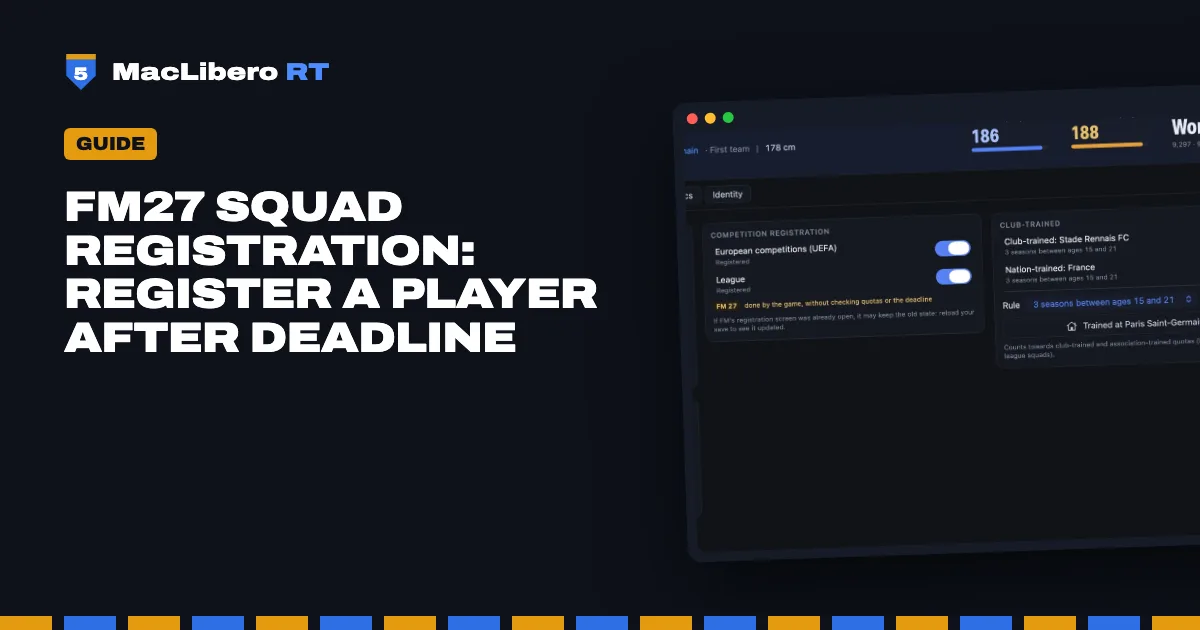
In Football Manager 27, a player left out of your Champions League list stays out until the next registration window, and a January signing can miss a knockout round. MacLibero RT, the native Mac app that reads and edits your single-player FM 27 save, lets you change a player's competition registration from his profile, at any time of the season.
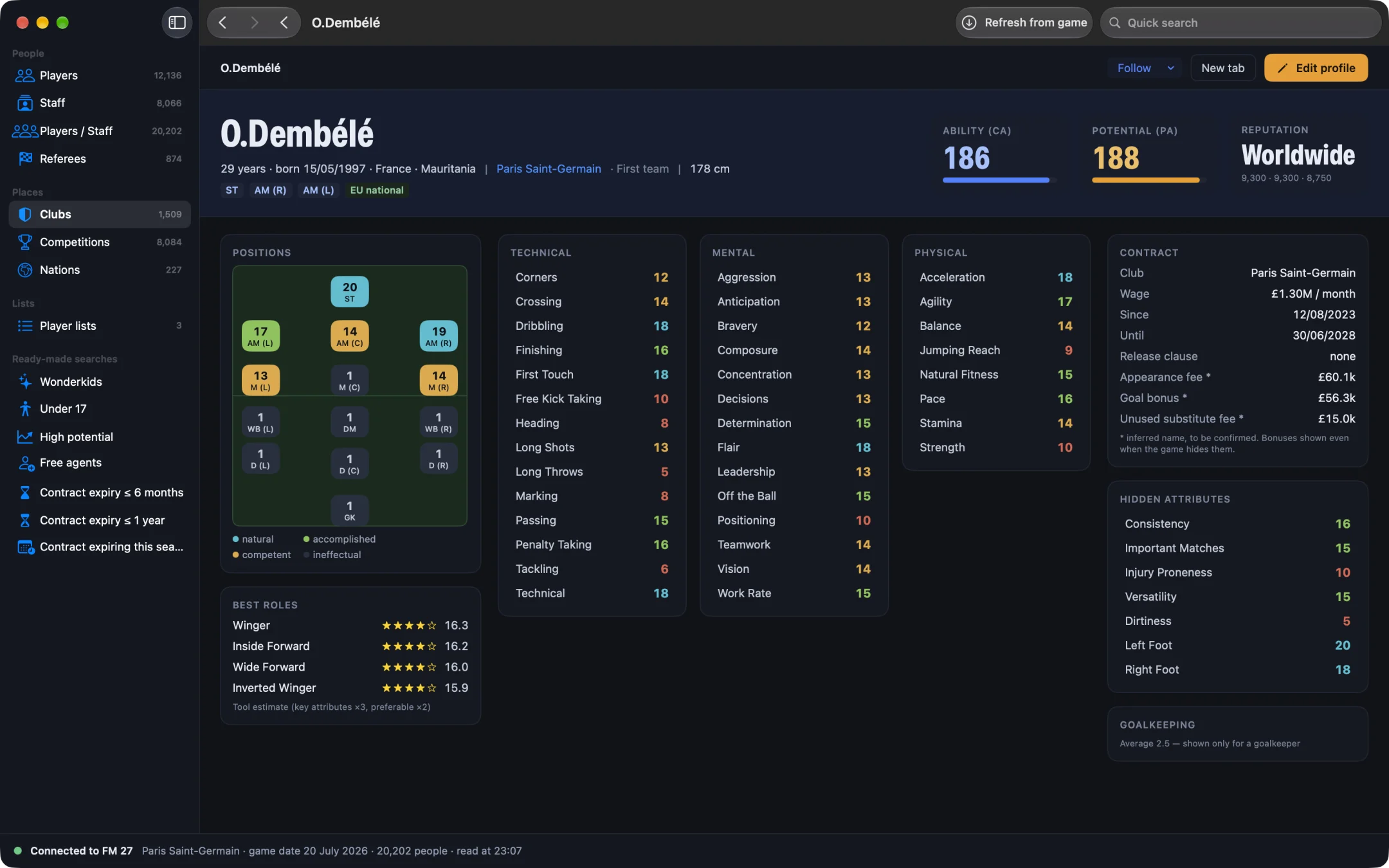
How do you register a player for the Champions League in FM27?
- Open MacLibero RT, click “Launch FM 27”, load your save, then click “Refresh from game” (⌘R).
- Open the player's profile and click the “Contract” tab.
- Find the “Competition registration” card. It lists the competitions his team is entered in, such as “European competitions (UEFA)”, “League” or “Domestic cup”, each with a switch.
- Turn on the switch next to “European competitions (UEFA)”. FM 27 registers him, and the app confirms that he is registered for that competition.
- Open FM 27's Squad Registration screen to check. If you had already opened it earlier in the session, see below.
The card only shows competitions in which at least one of his teammates is already registered: that is how the app knows the team really plays them. A competition the team is not in never appears.
In our test on a copy of a PSG save, Warren Zaïre-Emery was on the B list and not registered for the Champions League. Registrations were closed in the game. After we turned the switch on, FM 27's Squad Registration screen showed him as registered.
Does FM27 check quotas and the deadline?
No, and that is the whole point, with its risk. As the card says: “Registration is done by FM 27 itself, without checking quotas or the deadline.” The app calls the game's own registration function, the one its screen uses, but skips the screen's checks:
- the registration deadline and closed windows;
- the maximum squad size;
- homegrown quotas (club-trained and association-trained players);
- the other squad rules of the competition.
So you can end up with a list that breaks the competition's own rules, for example too many players or too few homegrown ones. We have not yet checked how FM 27 reacts to that later on, for instance when you pick the match-day squad. If you want a squad that stays within the rules, count your players yourself, and use the homegrown status in the “Club-trained” card if needed (see work permits, languages and homegrown status in FM27).
How do you unregister a player?
Turn the same switch off. FM 27 removes the registration, and the app confirms that he is no longer registered for that competition.
One exception: if he has already played in that competition for the team, the switch is locked, with the note “He has already played in this competition: the game no longer allows removing him.”
Why does FM's registration screen still show the old state?
FM 27 builds its Squad Registration screen once and reuses it during your session. In our test, after we unregistered Zaïre-Emery, the registration was gone in the game's memory, but the screen we had already opened still showed him as registered. The card warns about it: “If FM's registration screen was already open, it may keep the old state: reload your save to see it updated.”
Our tests were made in a game we did not save afterwards. We have not yet checked a registration after saving and reloading, so keep a copy of your save before you start.
Can you undo a registration?
Not from History. Registering and unregistering are done by FM 27 itself, so History lists the change as “Can't be undone”, like transferring a player in FM27. To go back, turn the switch the other way, or reload the copy of your save. Most other edits, on the other hand, can be undone in one click (see how to undo editor changes in FM27).
When does the app refuse?
- The player is on loan, or he is not under contract with that club.
- FM 27's own registration screen has unconfirmed changes for that competition: confirm or cancel them in the game first.
- His registration changed in the game since your last refresh: click “Refresh from game” (⌘R) and try again.
- Your Mac or FM 27 build is not supported (see below).
Which Macs can change registrations?
Registering calls a function inside the game, so it is tied to one exact version: an Apple Silicon Mac and the current FM 27 build (27.0.0, build 2486716). On an Intel Mac or another build, the app refuses clearly instead of trying anything. Keep FM 27 on a still screen, not while it is processing a day or a match.
Single-player saves only. Keep a copy of any save you care about before editing it.
What you need
Seeing a player's registrations is free. Changing them needs a licence: €6.99 once for FM27, on up to 3 Macs (see pricing and the FM27 Mac editor comparison). We tested this guide on an Apple Silicon Mac.
Questions
Can you register a player after the deadline in FM27?
Yes, with MacLibero RT on an Apple Silicon Mac: open the player's profile, “Contract” tab, “Competition registration” card, and turn on the switch next to the competition. FM 27 itself registers him, without checking quotas or the deadline.
Does it check squad quotas and homegrown rules?
No. The registration is done by FM 27's own function, but without the checks of its Squad Registration screen: squad size, homegrown quotas and deadlines are not enforced. Your squad may end up breaking the competition's own rules.
Can you unregister a player, and undo a registration?
Turn the switch off to unregister him, unless he has already played in that competition. A registration can't be undone from History: switch it back by hand, or reload a copy of your save.
Why does FM's Squad Registration screen still show the old state?
If you had already opened that screen in your session, FM 27 may keep showing what it built at the time. The card suggests reloading your save to see it updated.
Does it work on an Intel Mac?
No. Registering and unregistering call a function inside the game: Apple Silicon Mac and the current FM 27 build (27.0.0, build 2486716) only. On another Mac or build, the app refuses instead of trying.