Guide · 31 October 2026
FM27: create a wonderkid in one click
To create a wonderkid in FM27, open a youngster's profile in MacLibero RT and click “Create a wonderkid…”. Pick the target role and level (PA 150, 170 or 190); the app suggests a starting CA that fits his age and builds attributes for the role. Check the preview, then click “Apply to game”.
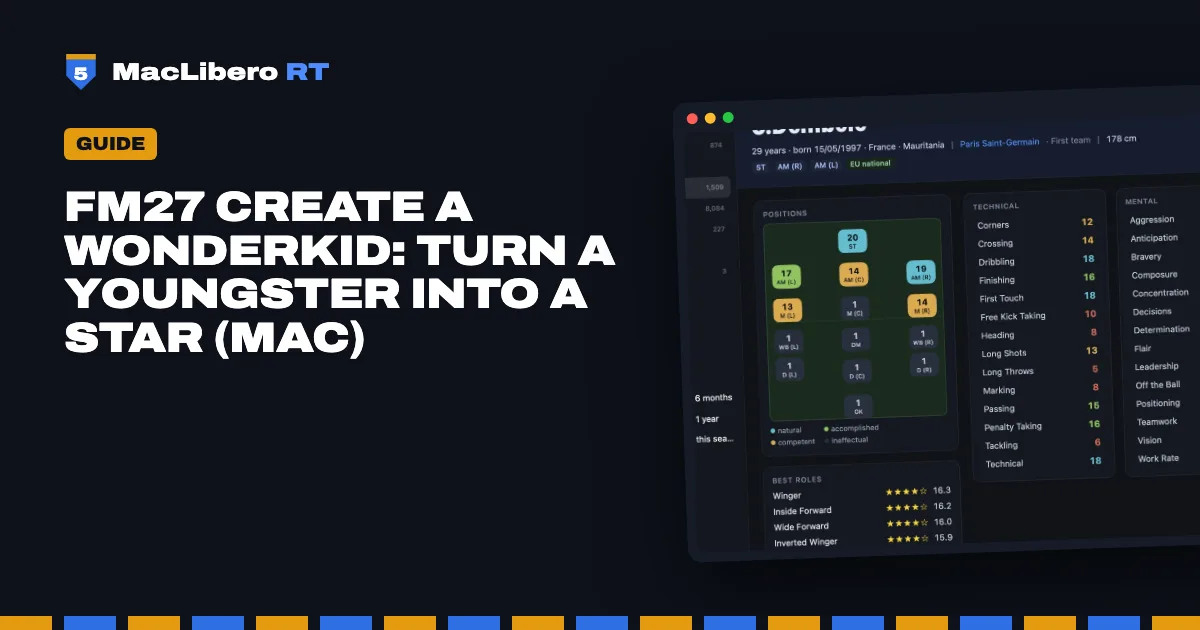
Got a 17-year-old in your reserves you would like to turn into the next big thing in your Football Manager 27 save? This guide is about making one. If you would rather find the best youngsters already in your save, read how to find FM27 wonderkids, for free.
How do you create a wonderkid in FM27?
- In MacLibero RT, click “Launch FM 27”, load your save, then click “Refresh from game” (⌘R).
- Open the player's profile.
- Click “Create a wonderkid…” in the profile's action bar.
- Under “Target role”, choose a role. Only roles for his positions are offered, and his current best role is selected by default.
- Under “Target level”, choose “Good prospect” (PA 150), “Future international” (PA 170) or “World-class star” (PA 190), or set PA in steps of 5.
- Check the preview, then click “Apply to game”.
The sheet reads “Preview only. Nothing is written until “Apply to game”.” Until you confirm, your save is untouched.
What CA should a wonderkid start with?
Why not everything at 20? A very young player with a huge CA breaks the game. So the “Starting CA” is suggested from his age: about 55% of PA at 16, 70% at 17, 80% at 21, and the full PA from 24. He starts at the level of a good youngster and grows towards his PA by playing.
You can set the starting CA yourself; “Back to suggested CA” restores the calculated value.
Which attributes change?
The app rebuilds the attributes that make up his level (technical or goalkeeping, mental, physical) from the role's profile:
- the role's key attributes go highest;
- preferable attributes a little lower;
- attributes outside the role keep their value; only very weak ones are lifted to a floor.
Every rating is a whole number out of 20, just like in FM 27. In the preview, a coloured dot marks key and preferable attributes, and three tiles show CA, PA and role rating before → after.
Wonderkid options
- “Don't lower any attribute”: his current strengths are kept, and so is his CA.
- “Competitor's mentality”: Determination at 15 or more; hidden Consistency and Important Matches at 14 or more.
- “Make natural in the role's position”: his familiarity with that position goes to 20.
Injury Proneness is never touched, and neither are his feet. To read those values first, see hidden attributes in FM27.
What does “Reroll” do?
Attributes vary by a point around the role's profile. “Reroll” draws that variation again, giving you a different player with the same role and level. The same draw always gives the same result, so the preview stays put until you click.
How do you undo a wonderkid in FM27?
After writing, the summary offers “Undo this batch”. Everything is also stored in History for later: see how to undo editor changes in FM27. In our test, a “World-class star” wrote 27 values in 6 seconds, touched nothing else, and the undo restored everything exactly.
FM 27 may keep showing the old values: save and reload your save to see them. Single-player saves only, and keep a copy of your save.
One player or a whole squad?
“Create a wonderkid” works on one player at a time. To lift several youngsters at once, use FM27 mass edit with the “High-potential youngsters (PA at least 160)” template.
Writing to the game needs a licence: €6.99 once for FM27, on up to 3 Macs (see pricing, and the comparison).
Questions
How do you create a wonderkid in FM27?
With MacLibero RT on a Mac: open a player's profile, click “Create a wonderkid…”, choose the target role and level, check the preview, then click “Apply to game”.
Why doesn't the player get 20 in everything?
A very young player with a huge CA breaks the game. Starting CA is suggested from his age: about 55% of PA at 16, 70% at 17, 80% at 21, full PA from 24. He then grows towards his PA by playing.
Are hidden attributes changed?
Only with the “Competitor's mentality” option (Consistency and Important Matches at 14 or more). Injury Proneness is never touched.
Can I undo a wonderkid?
Yes: “Undo this batch” right after writing, or later from History, as long as the game has not changed the values since.
Do I need a licence?
Yes, to write to the game: €6.99 once for FM27, on up to 3 Macs. Finding the wonderkids already in your save is free.