Guide · 31 October 2026
FM27: loan out, recall or release a player
To loan out or release a player in FM27, open his profile in MacLibero RT and click the “Moves” menu: “Loan out…”, “Recall from loan” or “Release (terminate contract)…”. Football Manager 27 itself carries out the move: loan contract, squads, wages. One warning: these moves cannot be undone from History.
Sending a youngster out to toughen up at the club of your choice, bringing a loaned player back before the end of the season, or getting rid of an awkward contract: in FM 27, that takes offers, negotiations and sometimes a refusal. MacLibero RT, the native Mac app that reads and edits your single-player save, asks the game to do it right away, under its own rules.
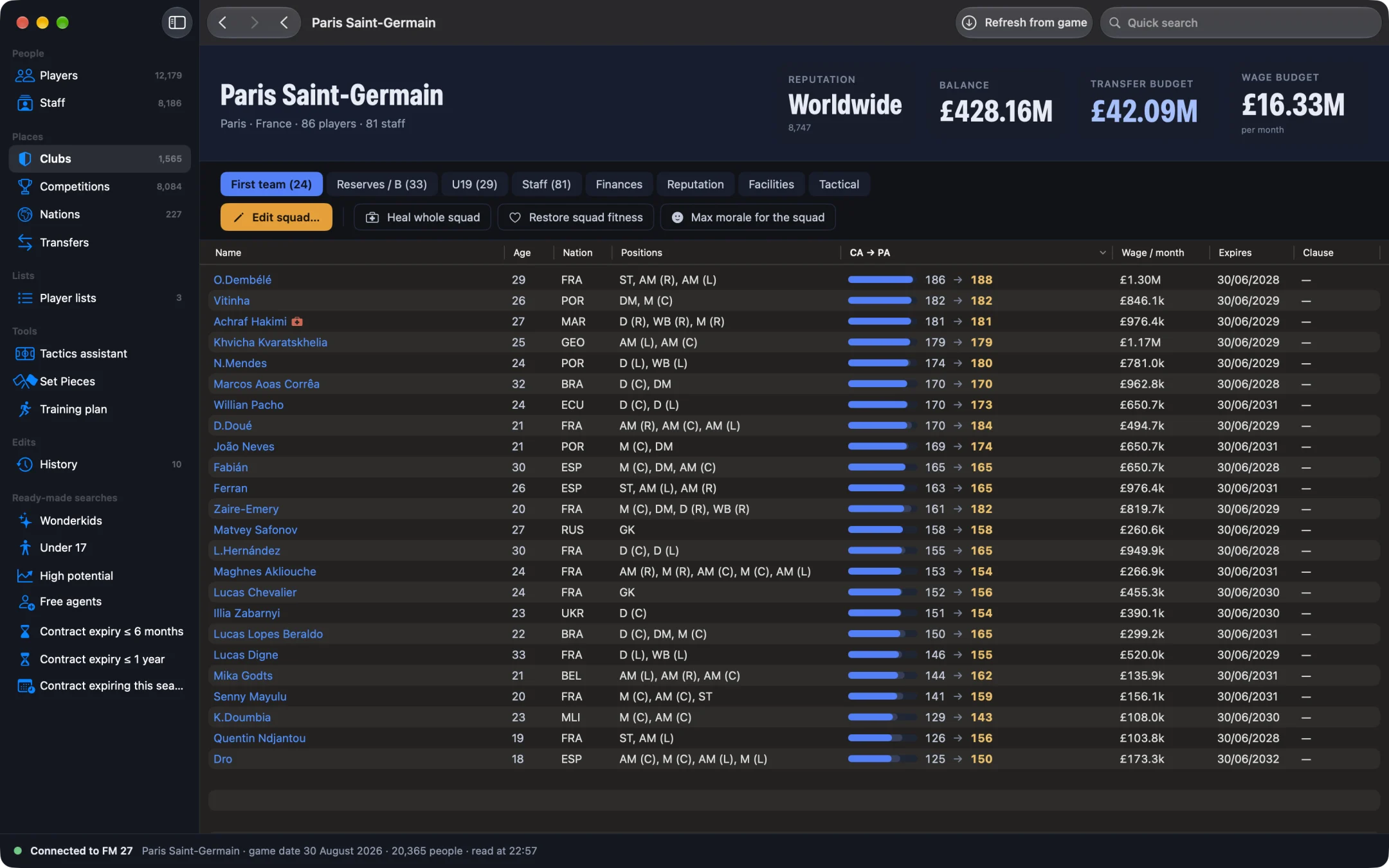
How do you loan out a player in FM27?
- Open MacLibero RT, click “Launch FM 27”, load your save, then click “Refresh from game” (⌘R). Stay on a static screen in the game, not during a match.
- Open the player's profile, click the “Moves” menu, then “Loan out…”.
- Under “Loan club”, type in “Search for a club” and select the club.
- Set the “Loan end date” (a date after the game's current date).
- Set “Wages paid by the loan club”, from 0 to 100% in steps of 5% (100% by default).
- Click “Loan out”.
As the sheet says: “The loan is created by FM 27 itself: loan contract, squads, wages.” A message confirms the player is on loan. “Cancel” closes the sheet without sending anything to the game.
The list offers clubs from the same side of the game as the player (men's or women's), except his current club, sorted by reputation. Only a player under contract can be loaned out. If the game refuses the loan (dates, club or contract), the app says so and nothing changes. In our test, a PSG player was loaned to Lorient, then recalled.
How do you recall a player from loan?
- Open the loaned player's profile, click “Moves”, then “Recall from loan”.
- The “Recall … from loan?” confirmation warns: “The loan ends immediately and he returns to his club. Can't be undone.”
- Click “Recall”.
There is no negotiation with the loan club: the loan stops immediately. It also works for a player loaned out by the game, not only by the app. “Recall from loan” is always offered, because a loan you have just created may only show up in the app after the save is reloaded; if the player is not on loan, the app refuses and nothing changes.
How do you release a player (terminate his contract) in FM27?
- Open the player's profile, “Moves” menu, then “Release (terminate contract)…”.
- Read the confirmation: “His contract is terminated with no compensation and he becomes a free agent. Can't be undone: save your game first.”
- Click “Release”.
The player leaves the squad and becomes a free agent. No compensation is paid: the club's finances do not move. In our test, a player was released this way. A player out on loan cannot be released as he is: recall him from loan first. National-team contracts are not affected.
To keep a player but change his wage or contract expiry, you are better off changing his contract in FM27. To sell him to a specific club, see transfer a player in FM27: “Transfer…” is in the same menu.
Why can't a loan or a release be undone?
MacLibero RT's other edits change one precise value and keep the old one, which is what lets you undo them from History. A loan or a release is done by the game: contracts, two squads, wages. There is no single old value to put back. A loan is ended with “Recall from loan”; a release, on the other hand, is final in that save.
Before a move, save your game and keep a copy of any save you care about: to go back, reload the save from before. Single-player saves only.
Which Macs and which FM 27 version?
Loan out, recall and release call functions inside the game directly: they only work on an Apple Silicon Mac and on the current FM 27 build (27.0.0, build 2486716). On an Intel Mac or another game build, the app refuses clearly instead of trying anything.
What you need
MacLibero RT's scouting is free. These moves write to the game, so they need a licence: €6.99 once for FM27, on up to 3 Macs (see pricing and the FM27 Mac editor comparison).
Questions
Can you loan a player to any club in FM27?
Yes, with MacLibero RT on an Apple Silicon Mac: on the player's profile, “Moves” menu, “Loan out…”. You pick the loan club, the loan end date and the share of wages paid by that club; FM 27 creates the loan itself.
How do you recall a loaned player in FM27?
“Moves” menu, “Recall from loan”, then confirm. The loan ends immediately and the player returns to his club, with no negotiation with the loan club.
Does releasing a player cost compensation?
No. “Release (terminate contract)…” terminates the contract with no compensation: the player becomes a free agent and your finances are not touched.
Can you undo a loan or a release?
No. These moves are made by the game and cannot be undone from History. A loan is ended with “Recall from loan”; for a release, reload a save made before it.
Why does the app refuse to loan or release?
These features only work on an Apple Silicon Mac and on the current FM 27 build (27.0.0, build 2486716). The app also refuses to release a player who is out on loan: recall him first.