Guide · 1 November 2026
FM27 best set piece takers: pick them and set them in one click
To set the best set piece takers in FM27, open “Set Pieces” in MacLibero RT. The app suggests a taker for left and right corners, direct and indirect free kicks, penalties and throw-ins from your players' attributes, then “Apply takers to game” makes each of them first choice in Football Manager 27. The whole change is one batch you can undo.
Going through every set piece list in Football Manager 27 and comparing Corners, Free Kick Taking and Penalty Taking player by player takes a while, and it starts again after every transfer window. MacLibero RT, the native Mac app that reads and edits your single-player FM 27 save, does the comparison for you and writes the result straight into the game.
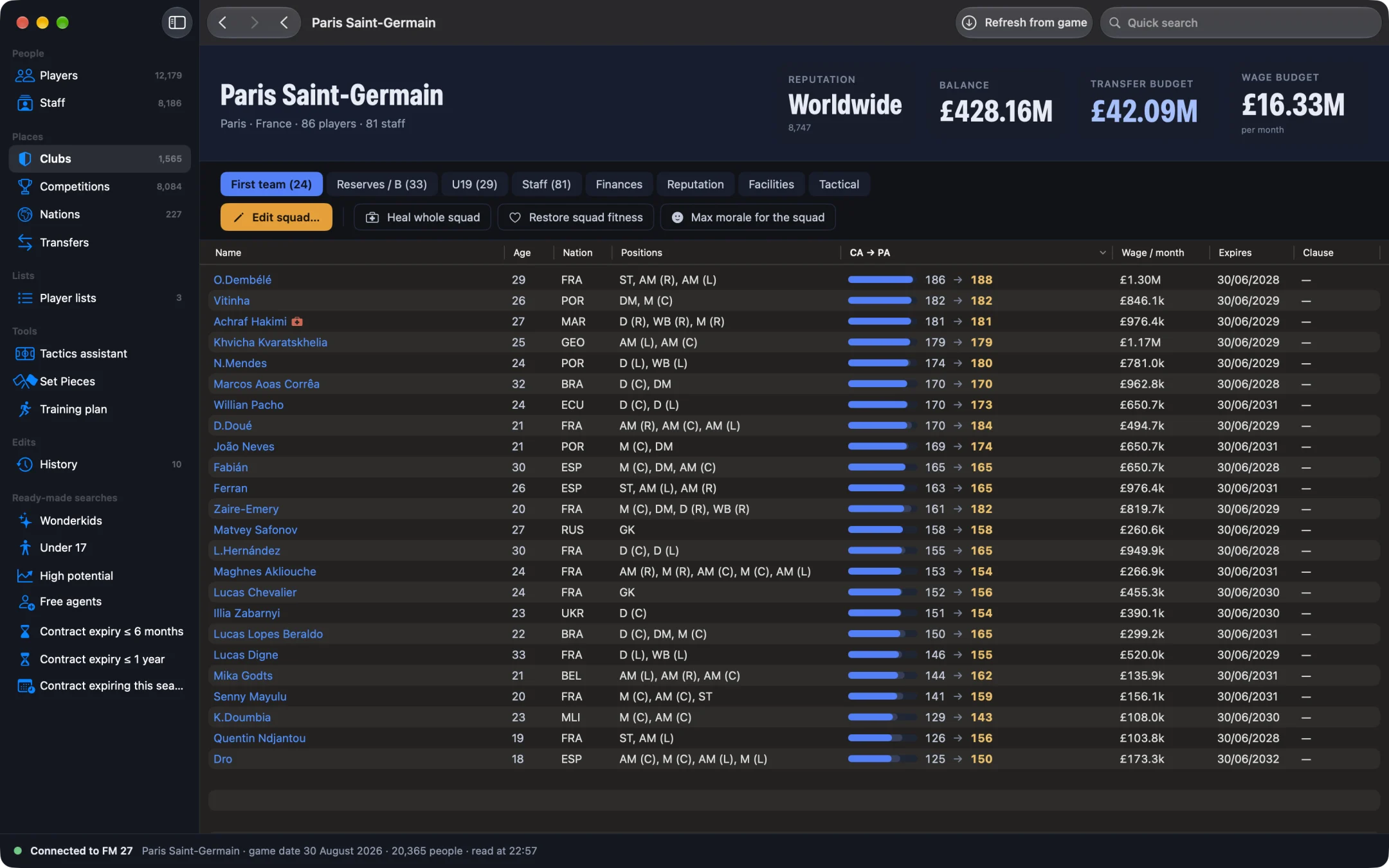
How do you set your set piece takers in FM27?
- Open MacLibero RT, click “Launch FM 27”, load your save, then click “Refresh from game” (⌘R).
- In the sidebar, click “Set Pieces”. Your club is selected under “Squad”, with its first team.
- Read the “Set piece takers” card: one player per set piece, with the attributes that earned him the spot.
- Check the “Throw-ins” card, which names the “Thrower”.
- Click “Apply takers to game”.
- In FM 27, open the Set Pieces screen: the new takers are already there, no reload needed.
The button only shows for the club you manage. You can look at the suggestions for any other club, but only your own takers are written. The squad needs at least 11 fit players.
How does MacLibero RT pick the best set piece takers?
It starts from the best XI it can build from your squad, injured players left out, and scores the outfield players only (your goalkeeper never takes a corner):
- “Left corners (inswinging)”: Corners counts double, plus Technique and the right foot. A right-footer from the left bends the ball towards goal.
- “Right corners (inswinging)”: the same, with the left foot.
- “Direct free kicks”: Free Kick Taking counts double, plus Long Shots and Technique.
- “Indirect free kicks”: Free Kick Taking, Passing and Vision.
- “Penalties”: Penalty Taking counts double, plus Composure and half of Finishing.
- “Throw-ins”: the best Long Throws in the XI.
Each line shows its reason, for example the corner taker's Corners and right-foot ratings, so you see why a player was chosen. Click a name to open his profile and compare. To make a taker better at his job, give him a set piece focus in FM27 individual training.
Which set piece lists does it change in FM 27?
“Apply takers to game” covers 11 of the game's lists: left and right corners, direct free kicks on both sides, indirect free kicks (wide and long range, both sides), throw-ins on both sides, and penalties. Each suggested player becomes first choice:
- if he is already in the list, he swaps places with the current first choice;
- if not, he takes the first choice's place;
- no list gets longer, and the rest of each list is left alone.
A list whose first choice is already the suggested player is skipped. If they all are, the app tells you: “The suggested takers are already first choice in FM 27.” In our test on a copy of a PSG save, 8 lists were written from the app, and FM 27's Set Pieces screen showed the new left-corner taker straight after writing.
What about corner routines and box roles?
The same screen suggests where each player goes on attacking and defending corners, drawn on a half pitch, along with “Suggested routines” and “Things to watch” (a keeper who rarely comes for crosses, a better free kick taker on the bench). That part is advice: you set it yourself in FM 27's Set Pieces screen. Only the takers are written to the game.
How do you undo set piece takers in FM27?
Every list written goes into History, with the player's name and the side, such as “left side”. Click “Undo batch” on that batch: in our test, all 11 lists came back exactly as they were. More in our guide on how to undo editor changes in FM27.
Single-player saves only. Keep a copy of any save you care about before editing it.
What you need
The suggestions are free to view, like all of MacLibero RT's scouting. Writing to the game needs a licence: €6.99 once for FM27, on up to 3 Macs (see pricing and the FM27 Mac editor comparison). To boost your takers' Corners or Free Kick Taking across the squad, see FM27 mass edit.
Questions
How do I find the best set piece takers in FM27?
Open “Set Pieces” in MacLibero RT. It scores the outfield players of the XI it builds from your squad: Corners, Technique and the right foot for left corners, Free Kick Taking for free kicks, Penalty Taking and Composure for penalties, Long Throws for throw-ins.
Does “Apply takers to game” need a reload?
No. In our test, FM 27's Set Pieces screen showed the new left-corner taker straight after writing, without reloading the save.
Which set piece lists does MacLibero RT change?
Up to 11 lists: left and right corners, direct free kicks (both sides), indirect free kicks (wide and long range, both sides), throw-ins (both sides) and penalties. Each suggested player becomes first choice.
Can I undo the new set piece takers?
Yes. Open History and click “Undo batch”: in our test, all 11 lists came back exactly as before.
Is it free?
The suggestions are free to view. Writing them to the game needs a MacLibero RT licence: €6.99 once for FM27, on up to 3 Macs.